01Chat
Live chat companion
Answers chat in character on its trigger word or a mention. Rate-safe by design: it never floods your channel.
- PlatformsTwitch · YouTube
- Replies on!trigger · @mention
- Memory10 exchanges
Browser voice. Production voice is custom.
What it does
A co-host that reads your chat, talks with you out loud and stays on screen, all in the same voice and persona.
Answers chat in character on its trigger word or a mention. Rate-safe by design: it never floods your channel.
Talks with you out loud, takes interruptions and keeps the conversation moving while you play.
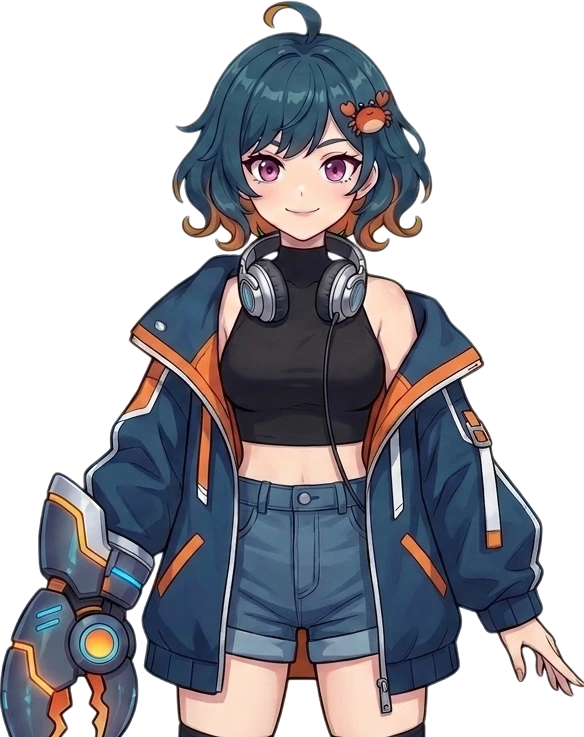
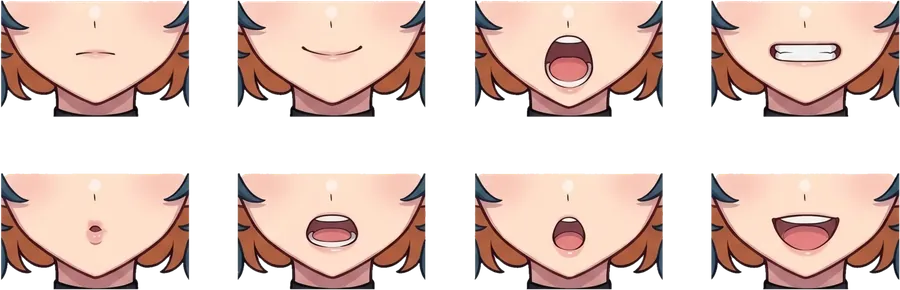
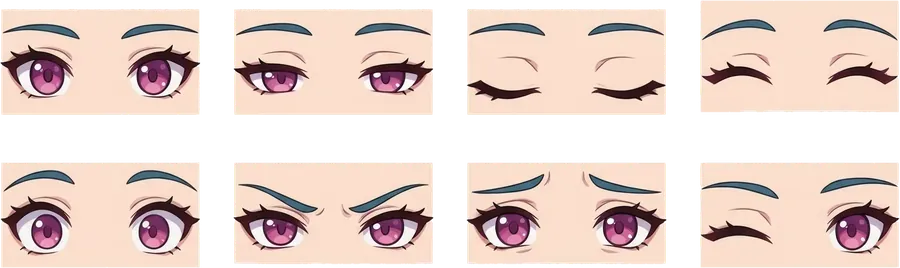
A PNGTuber that blinks and lip-syncs to its own speech, captured straight into your OBS scene.
Persona reel
Canon · Kanityan
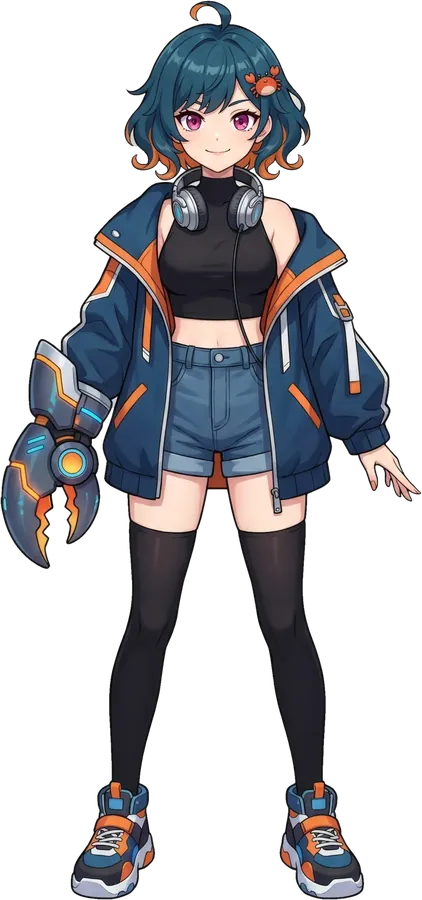
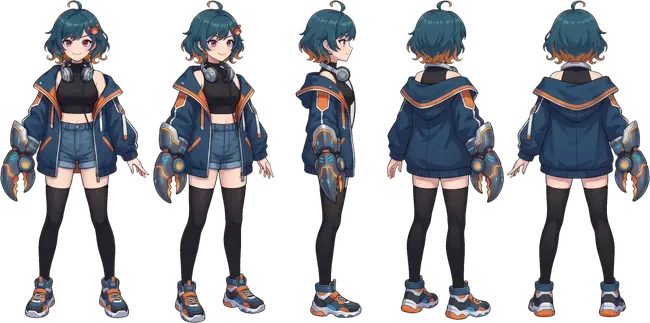
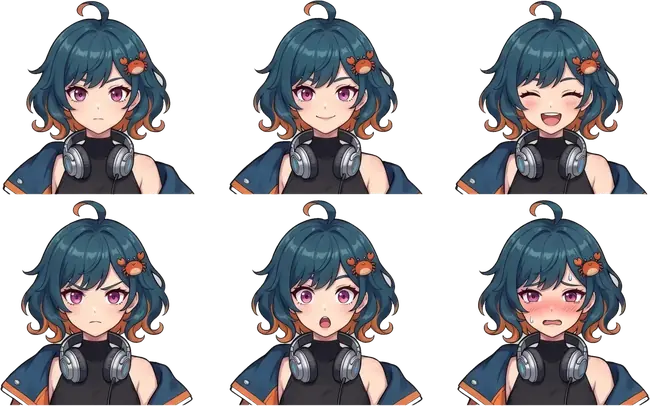

Full figure. The canon, head to toe.
01 / 06
How it works
Point the bridge at your Twitch or YouTube chat. The companion joins under its own, clearly marked bot name.
Start from Kanityan or bring your own character: prompt, voice, trigger word and avatar set in one config.
Add the avatar to OBS as a browser source and start your stream. The companion takes it from there.
Demo
This is the same browser layer OBS captures. The chat below is a scripted preview of the gate at work.
Open the playgroundPersonas
Trust and safety
Each reply passes an output gate before it posts. If the gate is down or slower than 2 seconds, the reply is dropped.
A sliding window keeps it under Twitch's cap of 20. It speaks only on trigger or mention, and is always visibly a bot.
The bridge ships as a single Go binary you run on your own machine. Your keys never leave your side.
Pricing
Monthly plans in USD. Starter is free.
$0/mo
$9/mo
$29/mo
Kanityan live on AM RADIO through OBS, with the chat bridge and voice running together. Lipsync must stay within 100ms of the audio.
Connect your Twitch channel with one sign-in and get your own dashboard, no setup call. Built; sign-up opens after live testing.
After a YouTube stream, the co-host posts its best moments as one timecoded comment on the recording. Opt-in, with no viewer names. Built; the first live run comes with the test stream.
A documented REST API for status, metrics and persona settings, plus signed webhooks for replies, drops, follows and subs.
The co-host works as an MCP server: an MCP client can post to chat, read status and metrics, and pause it. Its messages still pass the content-safety gate. Studio plan.
Bring a second persona into your chat with its own voice and lip-synced avatar, or run an interview between the two. Twitch only for now.
A mod types !moment, or a spike in chat flags one: the co-host makes a Twitch clip and saves it to your dashboard.
A suite of 483 attacks the co-host is tested against: jailbreaks, prompt injection and unicode tricks.
Each streamer gets a dashboard and their own persona. The co-host remembers regulars and reacts to raids, subs and quiet chat. Many channels run on one install.
Two more chat platforms on the same core, plus mod commands and flood protection.
Talk to it out loud: mic, voice activity detection and a spoken reply you can interrupt. The first audio comes back about 1.3s after you stop talking.
A second input adapter on the same core, behind the same gates as Twitch.
Chat replies are spoken in Kanityan's voice, and the mouth moves with the actual audio.
Every reply gets a Ship, Rewrite or Drop verdict before it posts. If the gate is down, the reply is dropped.
Trigger replies, an 18 messages per 30s rate limit, reconnects and chat context, plus the on-screen PNGTuber avatar.